 Verso
Schreibtisch
Something to put behind the glass.
Six wallpapers drawn for Verso's window material: wide, soft fields of colour that Glass carries through and Frosted veils in grey. Each file holds a light and a dark version and changes with your Mac. Free to download.


Clear. The desktop of the film: the Space colours round the edges.
All six
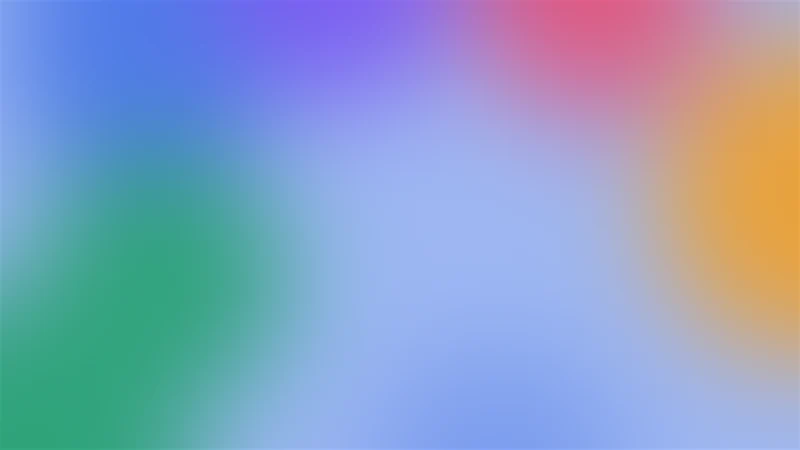
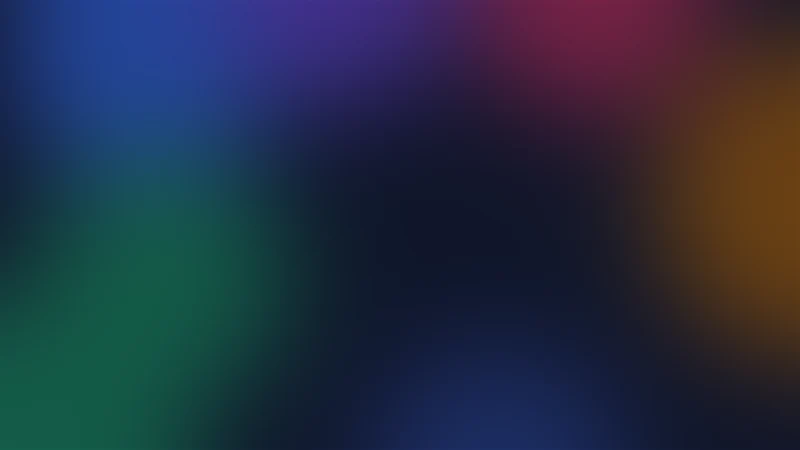
HEIC · 6K · light and dark · 0.4 MB
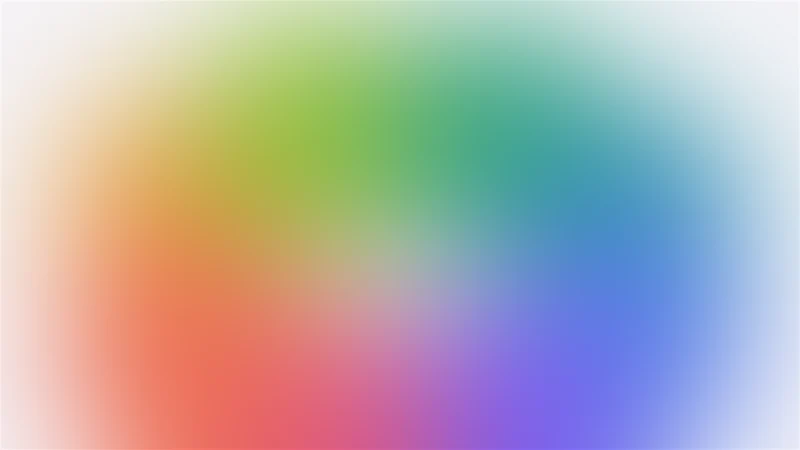
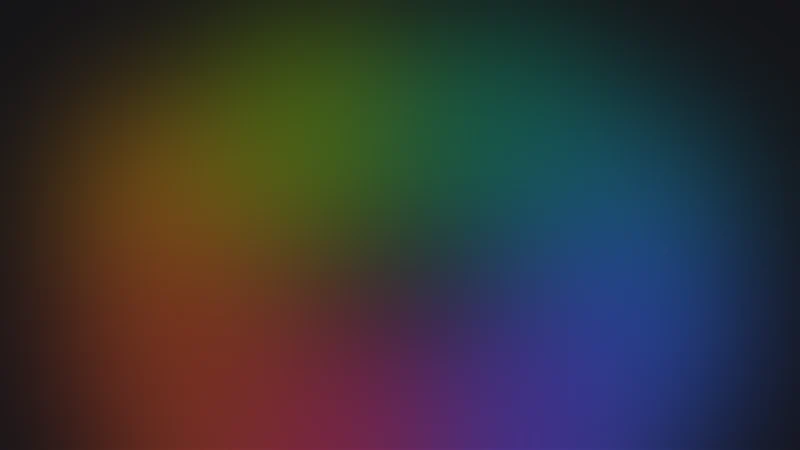
HEIC · 6K · light and dark · 0.4 MB
HEIC · 6K · light and dark · 0.3 MB
HEIC · 6K · light and dark · 0.4 MB
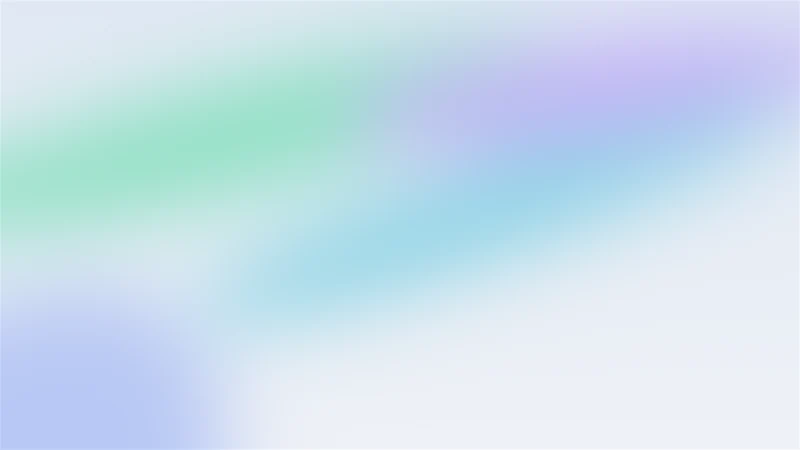
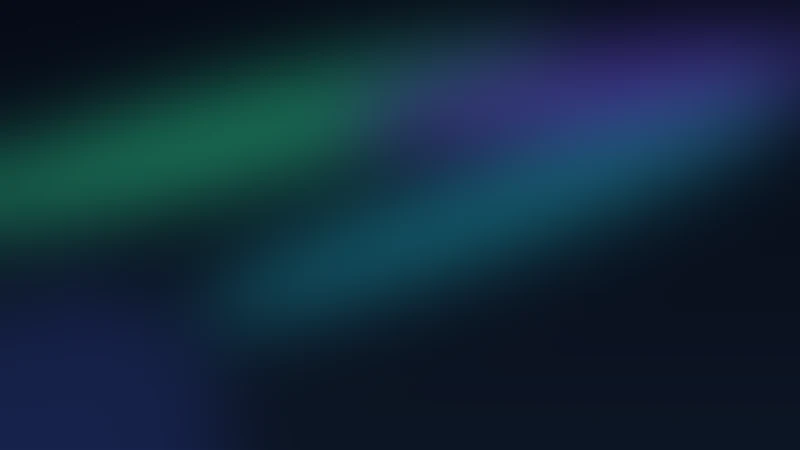
HEIC · 6K · light and dark · 0.5 MB


HEIC · 6K · light and dark · 0.4 MB


To use one, Control-click the file in the Finder and choose Set Desktop Picture.
Machart
Drawn, not photographed.
Each one is a ground and a few large fields of colour, blurred far past their edges. The window material blurs the desktop again, so fine detail would only turn to mud under it; a big soft field carries its colour through Glass and greys under Frosted.
- Size
- 6016 × 3384 pixels
- Depth
- 10 bits per channel, so the long gradients show no bands
- Format
- HEIC, a light and a dark image in one file
- Follows
- your Mac's appearance, light by day and dark at night
Einrichten
On your desktop in a minute.
- 01
Download the file; it lands in your Downloads folder.
- 02
Control-click it in the Finder and choose Set Desktop Picture.
- 03
Keep it on Automatic in System Settings, Wallpaper, and it follows light and dark.
Then put a browser in front of it.
Verso's window lets your desktop through. Download the alpha and see your wallpaper behind it.
Free. macOS 26 or later on Apple silicon.